

What is Microsoft Copilot Studio?
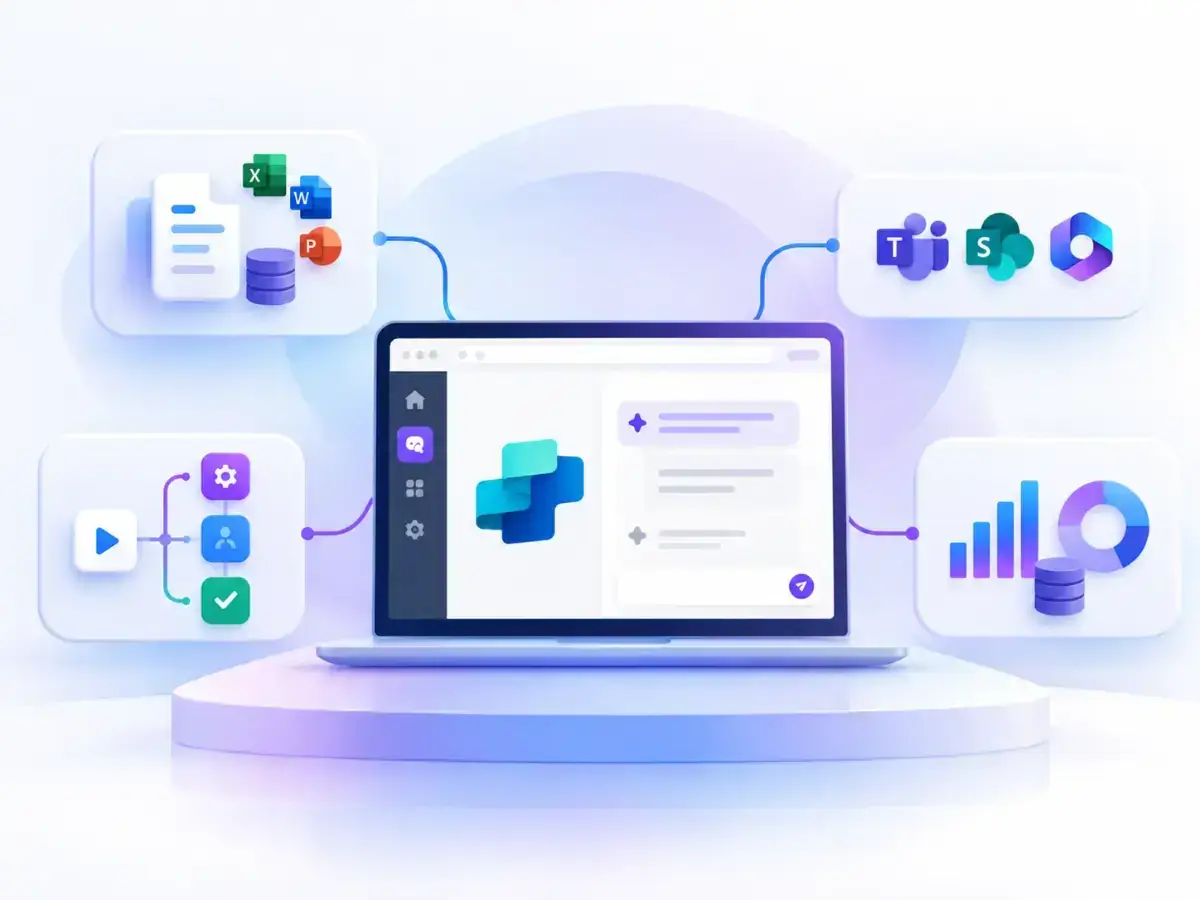
Microsoft Copilot Studio enables you to create AI agents connected to your company’s data, systems, and processes. This allows them to answer questions, automate tasks, and help your teams work more efficiently.
At Adderit, we also help you design, connect, and implement agents tailored to real business needs.

What problems can it solve?
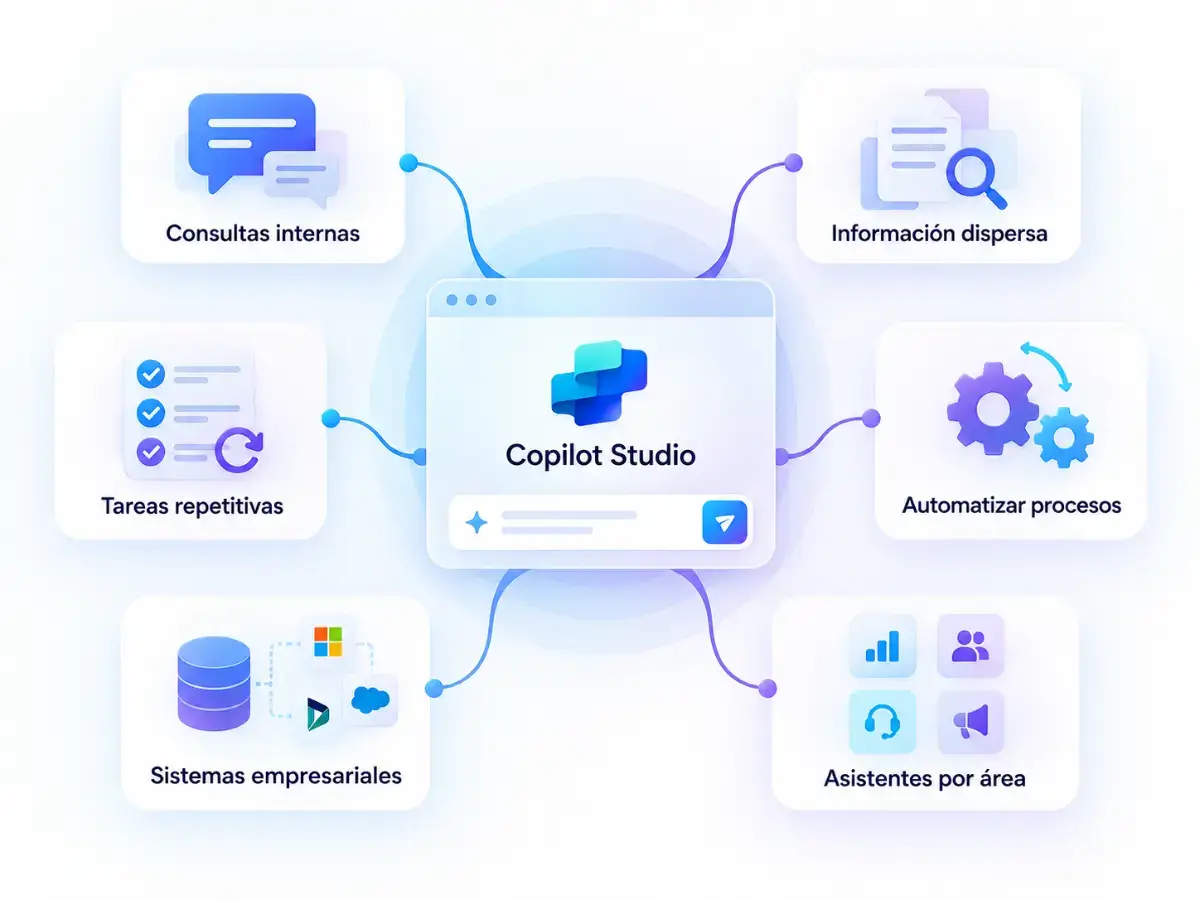
Copilot Studio can help reduce manual work and make information easier to access. For example, it can be used to:
- Answer internal queries.
- Centralize scattered information.
- Reduce repetitive tasks.
- Automate processes.
- Connect AI with business systems.
- Create specialized assistants for different departments.
What can you create with Copilot Studio?
Internal agents
Access documentation, policies, and procedures.
Support agents
Answer questions and help manage issues.
Administration and finance
Support queries, documentation, and recurring tasks.
Sales agents
Provide quick access to information and support sales follow-up.
Process-connected agents
Perform actions through connectors, APIs, and workflows.
Benefits for your team
Custom automation
Create agents tailored to your processes.
Quick access to information
Access business data and knowledge using natural language.
Microsoft integration
Connect agents with Microsoft 365, Teams, SharePoint, Dataverse, and other systems.
Fewer repetitive tasks
Automate actions and workflows.
Create Copilot agents with Adderit
At Adderit, we support you from the use case through to implementation.
1. We analyze
We identify where an agent can add value.
2. We design
We define what it should do, what information it needs, and what actions it can perform.
3. We connect
We integrate the agent with the required data and systems.
4. We implement
We configure, test, and deploy the solution.
5. We support
We help your teams use and continuously improve the agent.
Copilot Studio and Business Central
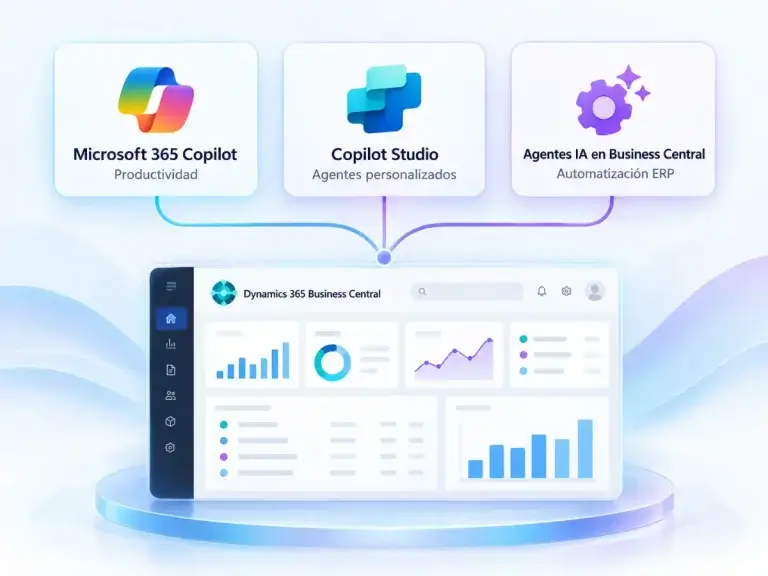
If your company uses Microsoft Dynamics 365 Business Central, Copilot Studio can be part of a broader automation strategy. Depending on your needs, you can combine different solutions within the Microsoft ecosystem.
- Microsoft 365 Copilot: To improve day-to-day productivity.
- Copilot Studio: To create custom agents.
- AI agents in Business Central: To automate specific processes within the ERP.


Is Copilot right for your business?
It can be a good fit if your organization:
Handles a high volume of internal queries.
Has information spread across multiple systems.
Carries out repetitive tasks.
Wants to automate specific processes.
Already works within the Microsoft ecosystem.
Frequently Asked Questions
It is Microsoft’s low-code platform for creating AI agents connected to business data and processes.
It can answer questions, retrieve information, perform actions, and participate in processes.
In channels such as Microsoft Teams, Microsoft 365 Copilot, websites, and other applications.
Not necessarily. Copilot Studio is low-code, although some projects may require additional configuration or development.
Microsoft 365 Copilot helps users with their day-to-day work. Copilot Studio enables you to create custom agents for specific processes.
Start creating agents with Copilot Studio
At Adderit, we help you identify use cases, design the agent, and connect your systems. Then, we support you throughout implementation and go-live.