

What is Microsoft 365 Copilot?
Microsoft 365 Copilot is Microsoft's AI solution, integrated into applications such as Word, Excel, Outlook, Teams, and PowerPoint.
It helps you create content, summarize information, analyze data, and work more efficiently using the tools your team already uses.
At Adderit, we help you prepare for, implement, and adopt Copilot securely and in a way that fits your business.



What problems can it solve?
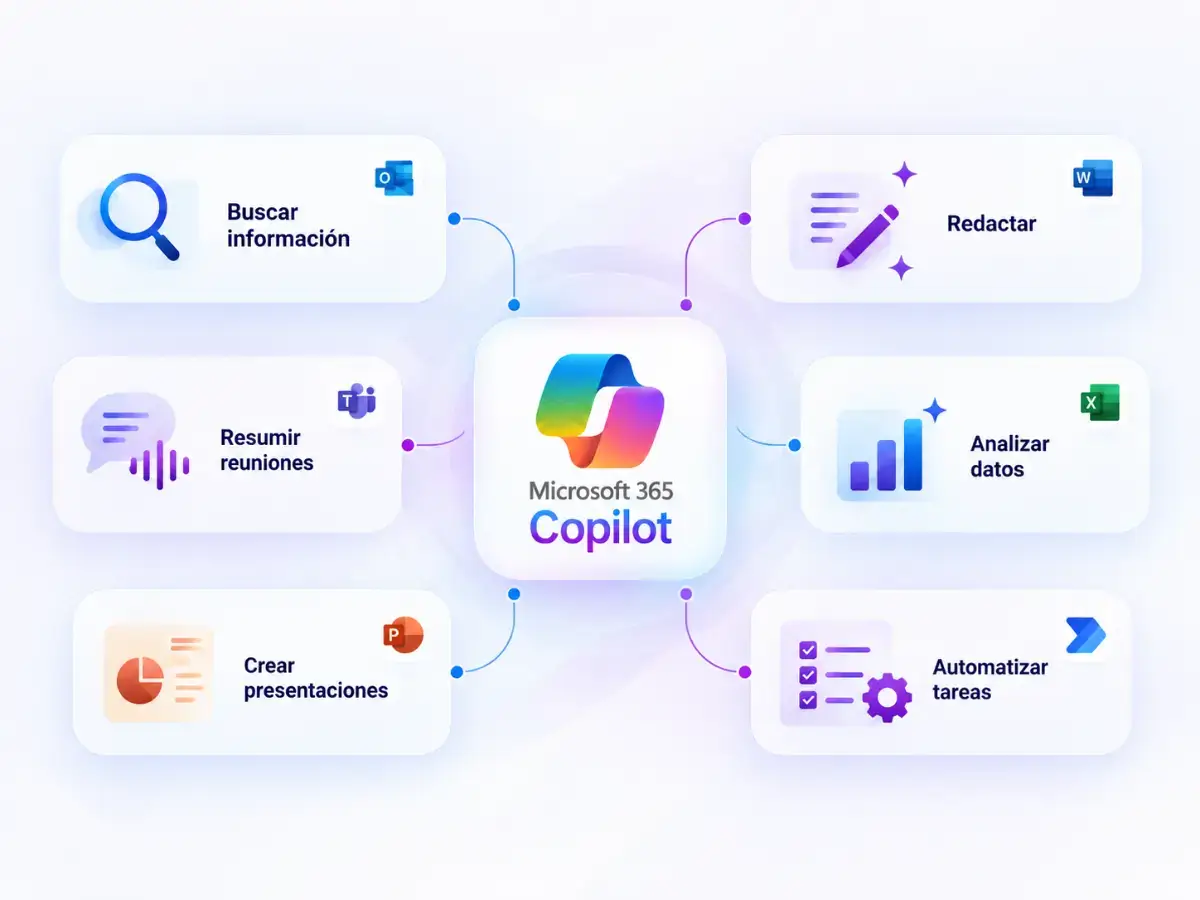
Microsoft 365 Copilot can help reduce the time spent on:
- Searching for information across documents and emails.
- Writing and reviewing content.
- Summarizing meetings.
- Analyzing data.
- Preparing presentations and reports.
- Managing repetitive tasks.
This allows your teams to spend more time on higher-value activities.
What can you do with Microsoft 365 Copilot?
Word
Create, summarize, and improve documents.
Excel
Analyze data and identify trends.
Outlook
Summarize emails and draft responses.
Microsoft Teams
Summarize meetings and identify next steps.
PowerPoint
Create and reorganize presentations.
Benefits for your team
Time savings
Reduce manual and repetitive tasks.
Increased productivity
Help your teams focus on higher-value tasks.
Faster access to information
Make it easier to find and understand data and documents.
AI integrated into Microsoft 365
Work with AI directly within the tools you already use.
Implement Copilot with Adderit
Implementing Copilot involves more than simply activating a licence. It is essential to prepare your environment, define use cases, and support users throughout the process.
1. We analyze
We review your environment and identify where Copilot can deliver the most value.
2. We prepare
We review users, permissions, and information structure.
3. We implement
We support you throughout the configuration and deployment process.
4. We train
We help your teams apply Copilot to real-world scenarios.
Data security and governance
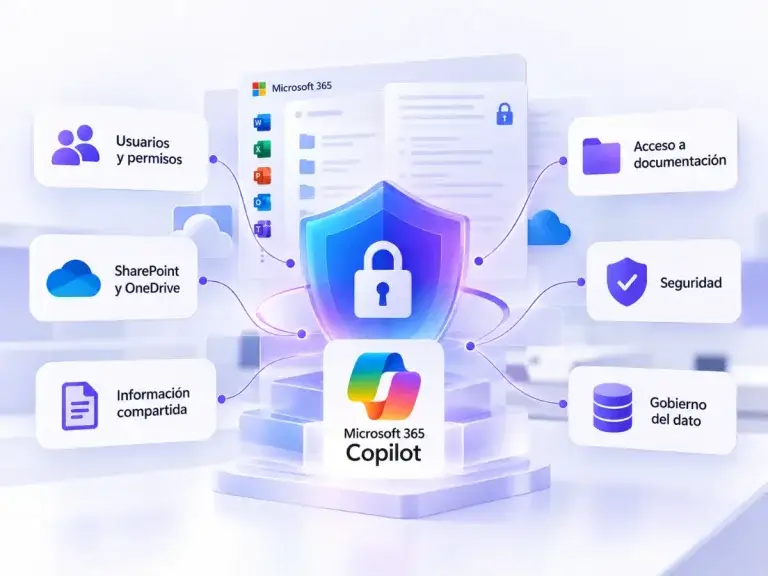
Microsoft 365 Copilot works within the existing permissions and controls in Microsoft 365.
Before implementing it, it is important to review:
- Users and permissions.
- SharePoint and OneDrive.
- Shared information.
- Access to documentation.
- Security.
- Data governance.
At Adderit, we help you prepare your environment to use Copilot securely and with the right level of control.


Is Copilot right for your business?
It can be especially useful if your organization:
Already uses Microsoft 365.
Manages large volumes of documents, emails, or meetings.
Spends time on repetitive administrative tasks.
Wants to improve team productivity.
Is looking to adopt AI in a structured way.
At Adderit, we analyze which users and processes can benefit the most from Copilot before deployment.
Frequently Asked Questions
Microsoft 365 Copilot is Microsoft’s AI solution integrated into Microsoft 365, designed to help users create content, analyze information, and work more efficiently.
Copilot capabilities are available in Word, Excel, Outlook, PowerPoint, Teams, and other Microsoft 365 applications. Features may vary depending on your licence.
No. It respects the permissions assigned to each user.
Microsoft 365 Copilot helps users with their everyday work. Copilot Studio allows you to create custom agents connected to your company’s data and processes.
Start working with Microsoft 365 Copilot
At Adderit, we help you analyze your environment, identify use cases, prepare Microsoft 365, and implement Copilot progressively.